I Signed Up, Paid Attention, and Rage-Quit Twice
Onboarding That Actually Felt Human
Switching over to Gizmo, the tone changed completely. A friendly axolotl mascot walks you in, and the first thing it asks is language. Seeing हिंदी (Hindi) sitting right under English made me feel seen as an Indian user, small touch, big love.
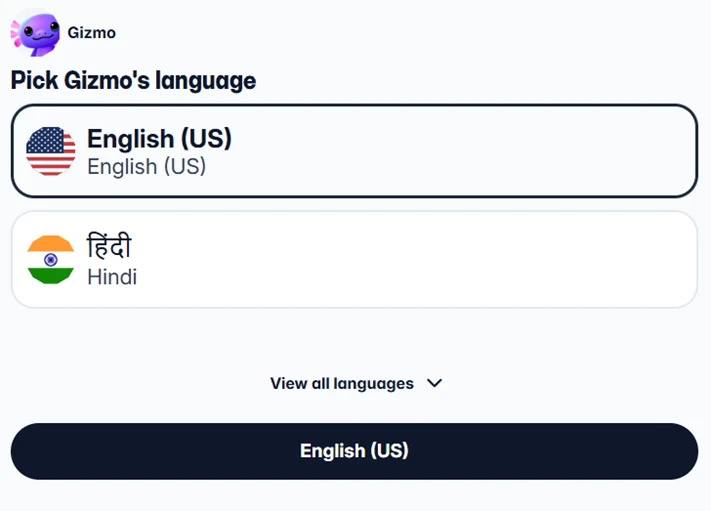
Language picker with Hindi front-and-center. Instant local trust.
Next it asked my age. Fine, standard. The button stays greyed out until you type something — clean, no dark patterns here.
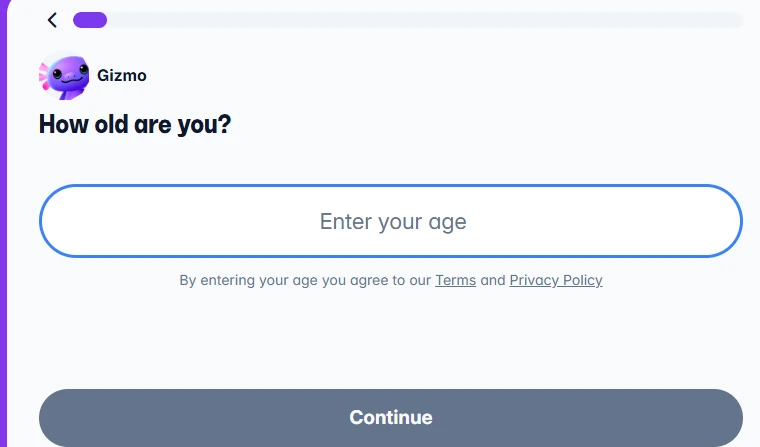
Age gate. Nothing sneaky, just a clean gate with Terms + Privacy linked.
Then it got a little too eager: “Follow your friends to learn together!” with a list of real classmates (First year, UPES). I get the social-learning angle, but being nudged to follow people before I've even made a flashcard felt like Instagram peer-pressure. Mild eye-roll — not angry, just “can I skip this?”
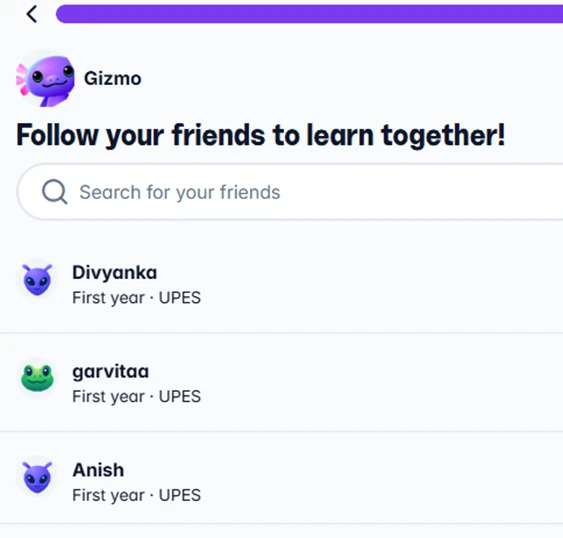
The social push. Clever for retention, slightly pushy this early in the flow.
I Threw a Random PDF At It And It Didn't Flinch
This is the moment Gizmo earned real respect. I hit “Import from PDF”, tossed a random PDF I had lying around at it, and it parsed the page and let me select it in seconds. No spinner-of-doom, no crash. So fast it genuinely impressed me, this is the kind of thing that decides whether a study app survives on my phone.
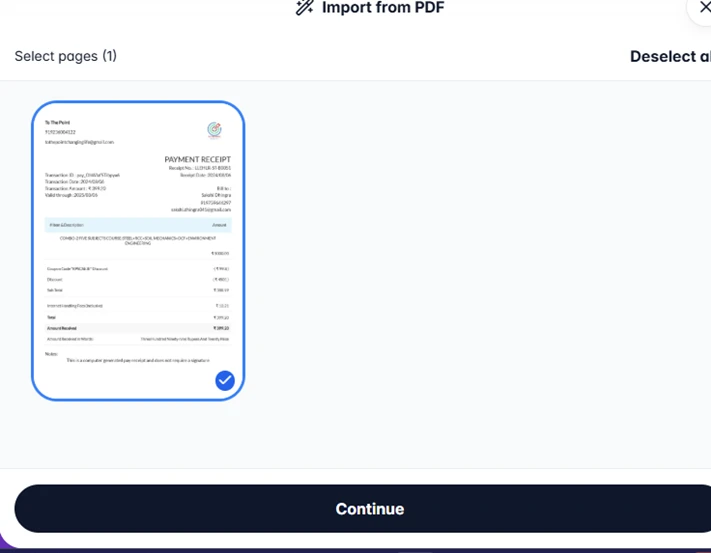
PDF import. Selected the page and hit Continue — quick and painless.
The Dashboard Is Gorgeous: My Deck Was Depressingly Empty
The main workspace is clean and confident: a tidy left rail (Home, Social, My decks, Public decks, Study groups, Profile), a big Learn button, and a little 250-coin counter that pinged my gamer brain. I liked it a lot.
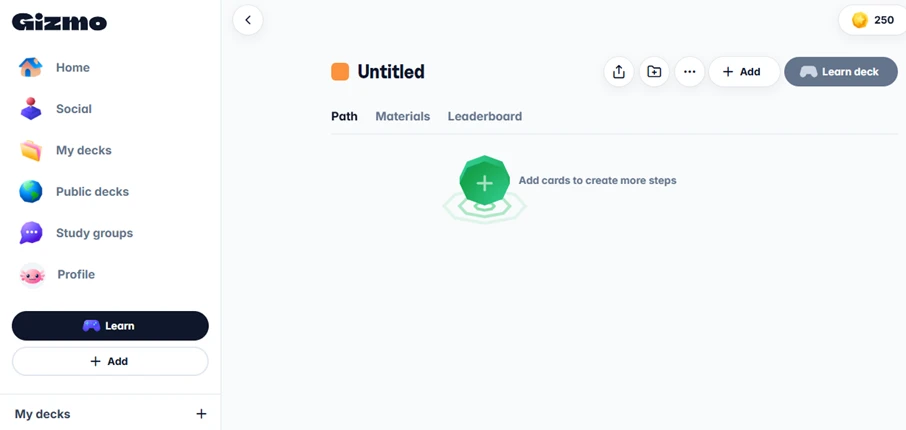
The Gizmo dashboard. Clean, gamified, and easy to read.
And then anticlimax. I landed on an “Untitled” deck with an empty path and a lonely “Add cards to create more steps” prompt. After that slick PDF import, I expected cards to already be waiting for me. Instead I had to build from scratch. Small disappointment, the hand-off between “import” and “study” isn't as automatic as it should be.
Learn Mode Is Where Gizmo Won Me Back
Tapping Learn redeemed everything. Two headline modes: Memorize (active-recall quizzes — the good, science-backed kind) and Gizmo Live (play with friends). This is the payoff for that pushy “follow friends” step earlier, now it makes sense.
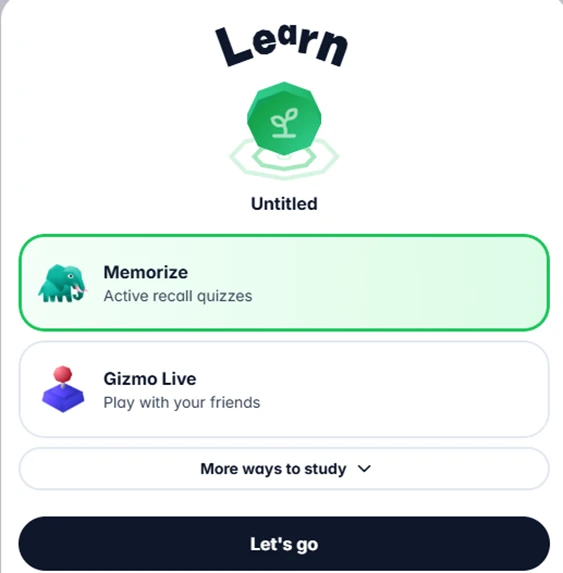
Learn hub: active-recall Memorize + multiplayer Gizmo Live.
This is what I loved: it turns rote memorization into a game with a clear “Let's go” and a social hook. If the empty-deck gap gets fixed, this loop is genuinely sticky.